

Browse all the best Passionate Penny Pincher deals at your fingertips on your phone! We’ll show you how to get a PPP mobile app (or similar)!

Free Passionate Penny Pincher App!?
Did you know you can easily make Passionate Penny Pincher a mobile “app” on your phone’s home screen so you can easily check it while you’re out and about or on the go? (Well – it functions like an app at least!)
If you don’t already know how to do this, we’re here to help! Below you’ll find instructions on how to add the Passionate Penny Pincher site as a “mobile app” on an iPhone AND Android.

iPhone Instructions:
These instructions are for an iPhone.

1. First, open your Safari browser and navigate to the passionatepennypincher.com homepage.
2. Once you’re on the passionatepennypincher.com home page, you’ll notice a box at the bottom with a arrow pointing out the top (like image above). You’ll want to click this box.

3. The next screen will pop up and you’ll want to navigate to the box that says, “Add to Home Screen.”

4. Change the title of the app to whatever you’d like – PPP, Passionate Penny Pincher, etc.

5. Select “Add” and Passionate Penny Pincher will now be an “app” on your home screen!
Voila! You now have a working PPP iPhone app!
Android Instructions:
These instructions are for an Android.

1. Open a web browser on your phone and go to passionatepennypincher.com. Click the 3 little dots at the top right corner of your phone.

2. When the drop-down menu pops up, click on the “Add to Home Screen” button.

3. You can change the name of your “App” to anything or just add it to your home screen.
Voila! You now have a working PPP Android app!

Follow Us on the Telegram App (it’s free!)
We’re also launching all the latest HOT deals on the Telegram app – it’s free! 🙂 You can even share some of your hottest store finds while you’re out and about shopping!
Interested in getting the best deals at your fingertips?
- First, download the free Telegram app on your phone (iOS or Android) – there’s also a desktop version if you prefer.
- Sign up and create an account.
- Be sure to allow notifications (you can change this any time).
- Click on Chats at the bottom, and search for “PassionatePennyPincher” (our handle is @pppincher)
- Click the “Join” button to start receiving messages – that’s it! 🙂
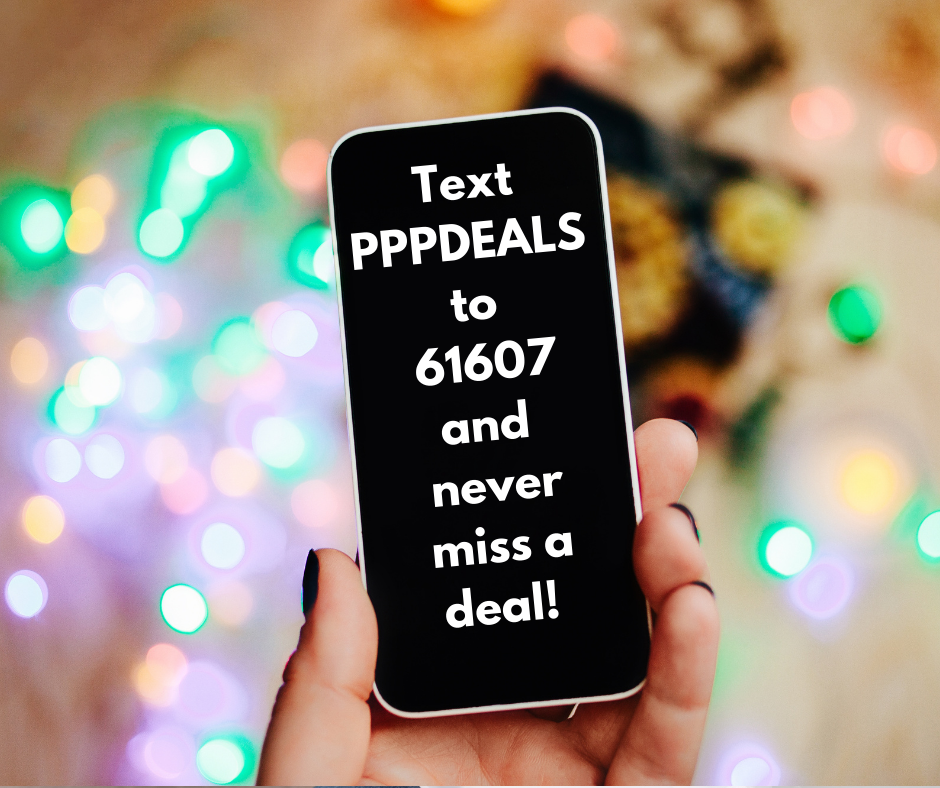
🚨Have you signed up for PPP text alerts? Be sure to do that too!



How do I join your program? I get notices on fb but cannot get codes to load to Amazon order.
Sometimes the Amazon codes can be tricky to get to work. If you’re using a mobile device, the place to put your promo code is a little tricky to find! Here’s how, step by step: 1) Add the item to your cart. 2) Click “Proceed to Checkout. 3) Scroll down a bit, under payment method, you’ll see “Use a gift card, voucher, or promo code.” 4) Click that, and then you’ll scroll down to the veeeeerry bottom to “toggle” to the “on” position where it says “Add a gift card, promo code, or voucher.” 5) It will open an empty box for you to enter the promo code, then click “Continue.” I hope that helps – sorry it’s so difficult lately! 🙂
I would love to be a part of the Team. I am permanently handicapped raising 2 grandchildren on a monthly budget, with cost of living rising, makes it a tremendous challenge. I would like to thank you.
Hi Rosa ~ Thanks so much for reaching out! I totally understand and what a blessing you are to your grandchildren! I don’t believe we are hiring at the moment, but you are more than welcome to inquire or send your resume to Kristin@passionatepennypincher.com. Hope that helps! 🙂
You have my email incorrect. This is my email address.
Please email shop@passionatepennypincher.com and we’ll be happy to take care of this for you. 🙂