


Fetch Rewards App Review
Fetch Rewards – An EXTRA Way to Save Money!
Mary here! A few years ago, one of our readers encouraged me to try Fetch Rewards, and I have to tell you I am absolutely in love with it. It’s SO easy!
Plus, right now, when you download the Fetch Rewards app and use promo code FETCH1000 when you sign up (NEW promo code!) – you’ll earn 1,000 pts (= $1) in your account after you submit your first receipt.
I just found a bunch around the house and started scanning away. Easy peasy!
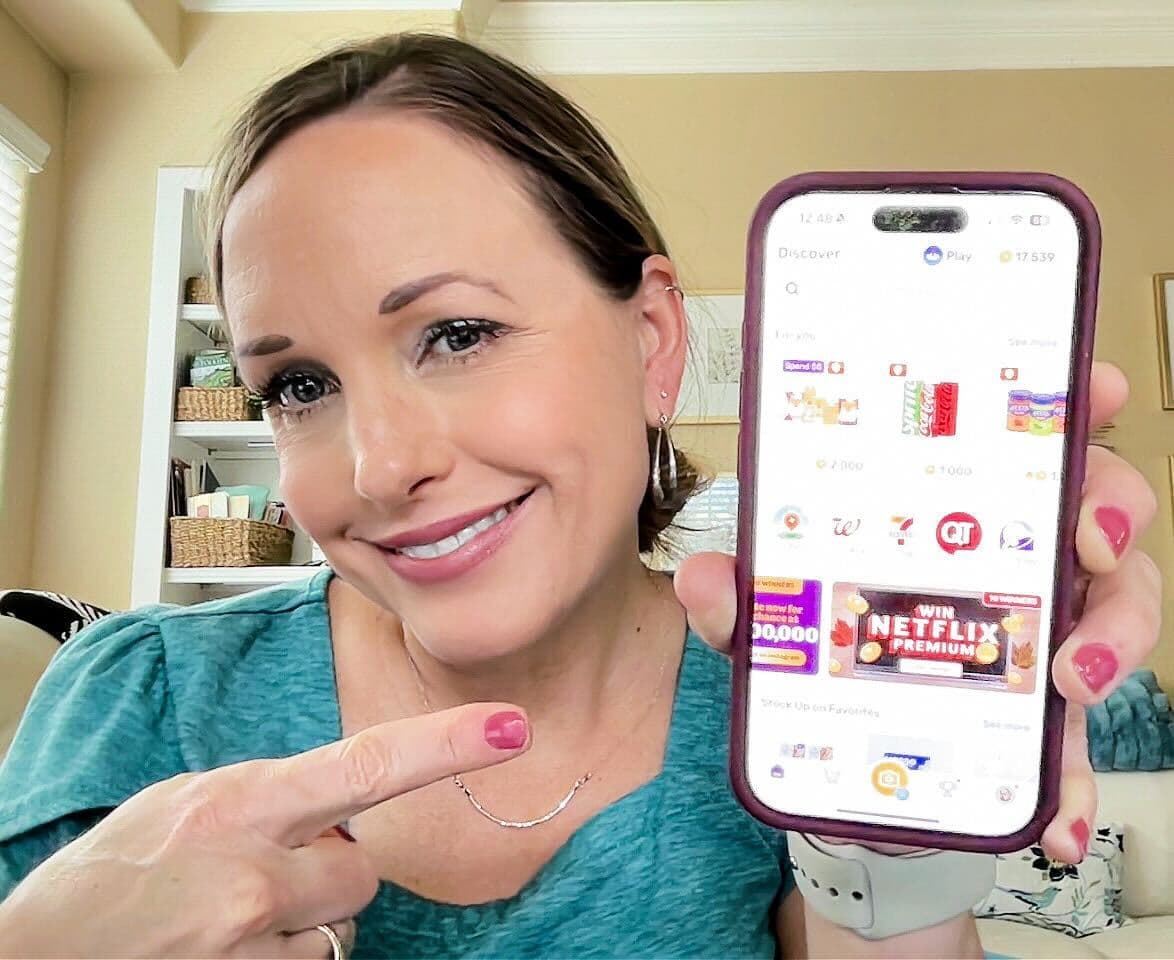
What is Fetch Rewards?
Fetch Rewards is a super easy rebate app that allow you to submit ANY receipt in order to earn points! You can even earn more points whenever you purchase participating items (meaning you earn free money!).
It works when you scan ANY receipt or receipts for where you buy groceries – scan receipts from big box stores, mom and pop corner shops, drugstores, liquor stores, and hardware stores – it’s all fair game.
Best of all, there are NO hoops to jump through! NO pre-selecting offers, NO scanning barcodes, NO surveys, NO ads – you scan your receipts and you’ll earn points! 😀
The thing I like most about Fetch Rewards is that it’s SOO easy to use.

What Can You Earn on Fetch Rewards?
For every 1,000 points you earn, you get $1. And while it does take a while to cash out, you’ll earn 1,000 points just for signing up when you use the code FETCH1000. (That’s $1!)
You can also get an extra 2,000 points for referring a friend. (Now you’ve got $3 ~ easy!)
Then, you can redeem your points for various rewards, including Amazon gift cards! I’ve been a member since 2019 and Fetch Rewards is STILL my favorite app to earn rewards – it’s just so easy!
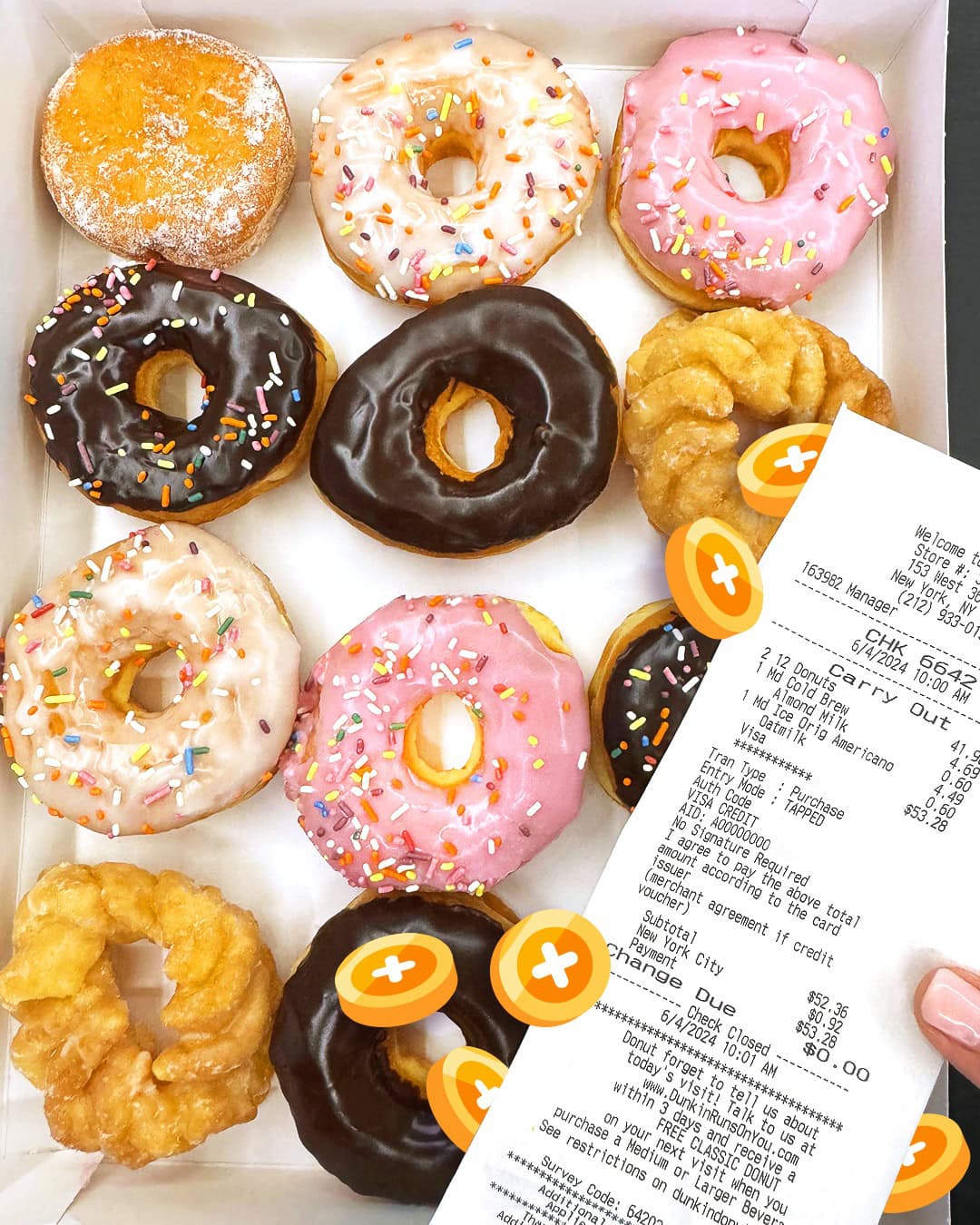
How to use the Fetch Rewards app:
1. Download the app – available for iOS or Android.
2. Set up an account – it’s free!
3. How to earn points: Look for Special Offers on select products.
4. Purchase certain products and scan your receipt to earn points.
5. Redeem Points for Gift Cards – Rewards will vary on the number of points required to redeem (for example, a $10 Amazon Gift Card is 12,500 Points and other $10 Gift Cards are 11,500 Points).
6. You can also set your account up to earn for online purchases at Walmart, Amazon, Kohl’s, Target, etc. Just go to the me tab click eReceipts add info and voila online grocery orders are added!
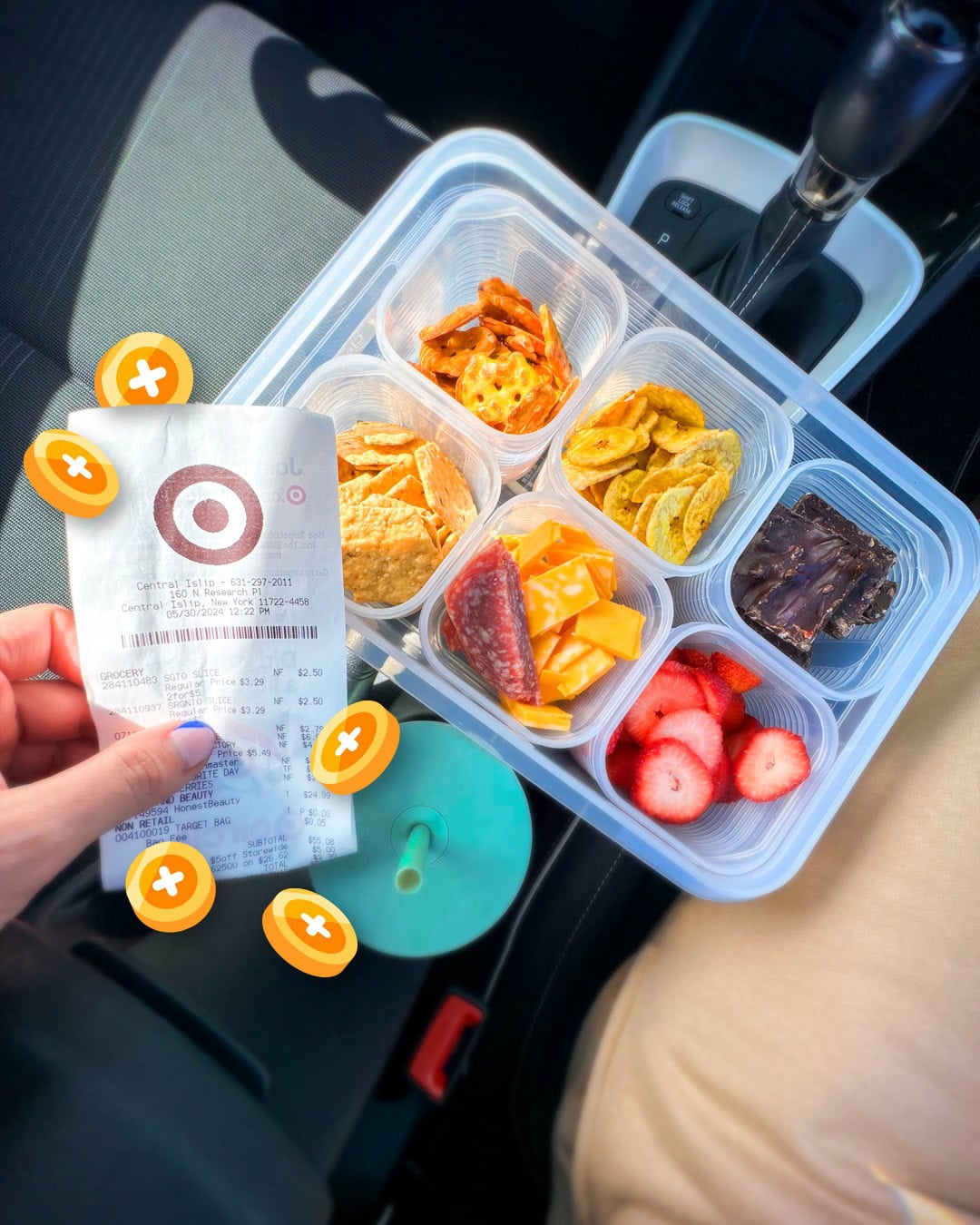
That’s it! Another plus is that it allows you to scan receipts that are up to 2 weeks old. So when I downloaded the app, I actually looked around for all my old receipts to enter into the app. You can submit up to 14 receipts per week. Also, you can use the same receipts for:
Have you tried Fetch Rewards yet?

What are your favorite money saving apps? Leave a comment to share which apps have worked for you ~ I’d love to hear which ones you would add to the list!



How do you scan purchases online, I have never seen a place to scan? thank you in advance for your help.
Hi Debra! You’ll need to set your account up to earn for online purchases. Just go to the me tab, click add eReceipts, add info and then you’re all set. Hope that helps! 🙂
How do I add the FETCH1000 code? I signed up when I downloaded the app, but there was nothing that prompted me to enter in the code
Go to your account tab, then to ‘refer a friend’. You should be able to add your code there. If not, reach out to their customer support team and they’ll be able to assist you. You’ll need to enter the code before uploading your first receipt. Hope that helps! 🙂