


Happy Friday! I wanted to share with you something I’ve been trying out this last week after finally realizing I’d spent way too many nights not sleeping well ~
ooch.
First, let me give you all my excuses as to why I scroll way too long on my phone and have kept it nearby for years (I’m sure you have your list too?) PPP is a decent-sized little business, and we literally have a team working almost round the clock to make sure nothing breaks around here. At night, you could often catch me catching up on slack, keeping up with comments from our (amazing!) Facebook, Instagram and even Tiktok communities, and often trying to get ahead on work the next day.
I also have 3 college and young adult kids (two living in different cities), so having my phone nearby at night has always mattered to me because I wanted to be able to respond if they needed anything. (They don’t need a lot, but sometimes they do need a thing or two and I always want to be available! Scroll down for more on how I’m handling this one.)
However last week after one too many sleepless nights (you know the drill, wake up at 1AM, checking your phone for the time, somehow you see a text or open up to something you think you want to see, then brain wide awake, and not back to sleep for two hours or sometimes more…) I decided it had to stop.
I listened to this Audible book talking about the physiological reasons your brain can’t handle your iphone or computer in bed at night (I knew it wasn’t great for you, but didn’t realize the light makes your brain literally wide awake because the screen light mimics the sun?), and because I truly believe sleep matters for us mentally, decided to try out giving up my phone (and screens… which is HARD honestly for all I have to do business-wise in my day!), at 8PM for a week and just see what happened.
I started this past Sunday night.
You’ll never believe what happened.
I.
slept.
So much better than I probably have in years.
Here’s my new sleep routine if you’d like to join me too (remember, I wake up at the crack of dawn and my youngest just headed off to college, so I have the crazy luxury of sleep these days that I haven’t had in 25 years. Not gonna lie, I miss my kids but it also kinda feels lovely!)
8PM: phone/computer turned off (truth be told, probably by 8:30, but the goal is 8!)
8-8:30 PM: wind down, kitchen picked up, laundry folded if it hasn’t been already, house/coffee prepped for next day
8:30 – 8:45 PM: get ready for bed (THIS IS EARLY. KEEP READING.) 🙂
8:45PM – 9:15 PM: READDDDDD!!!
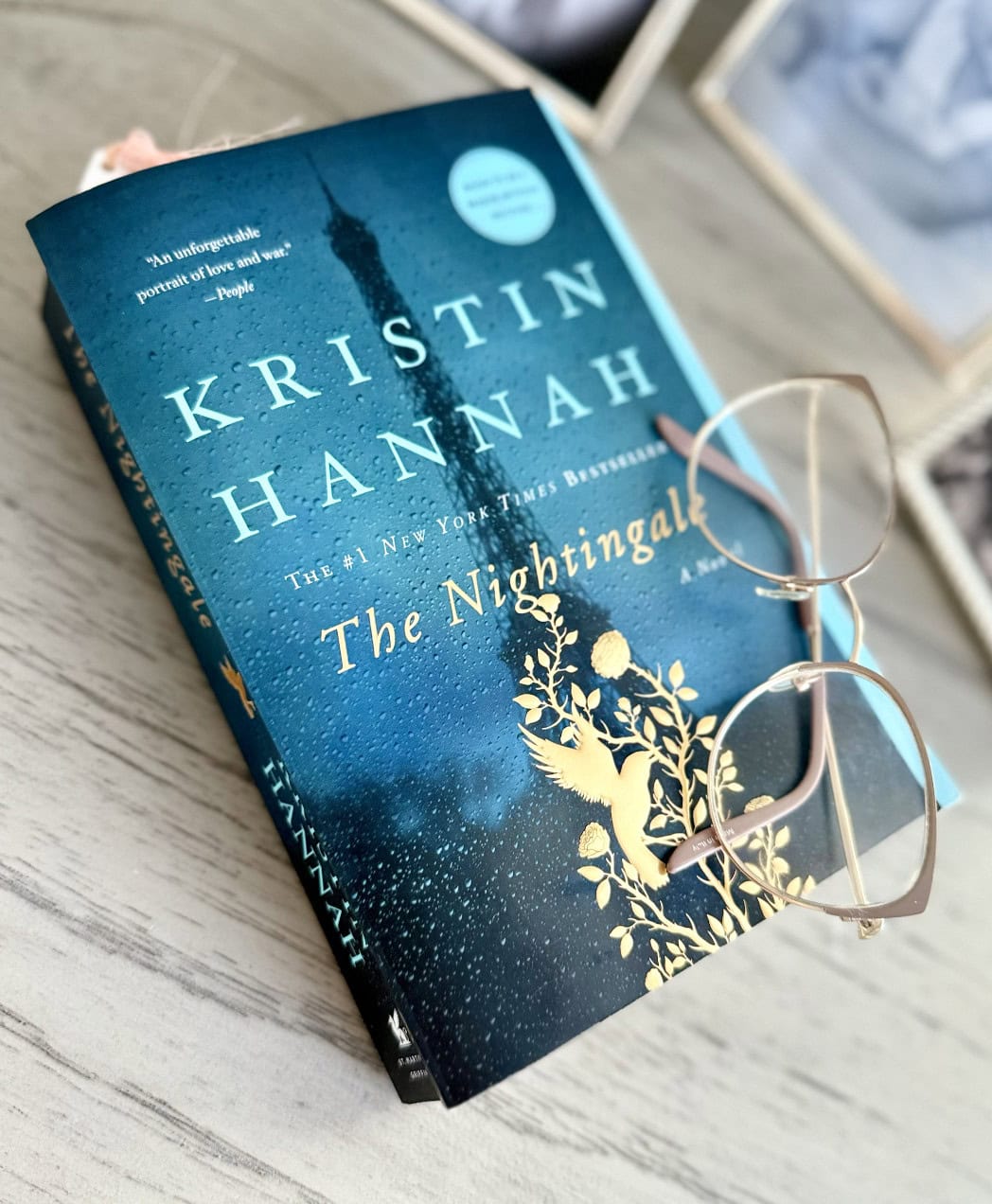
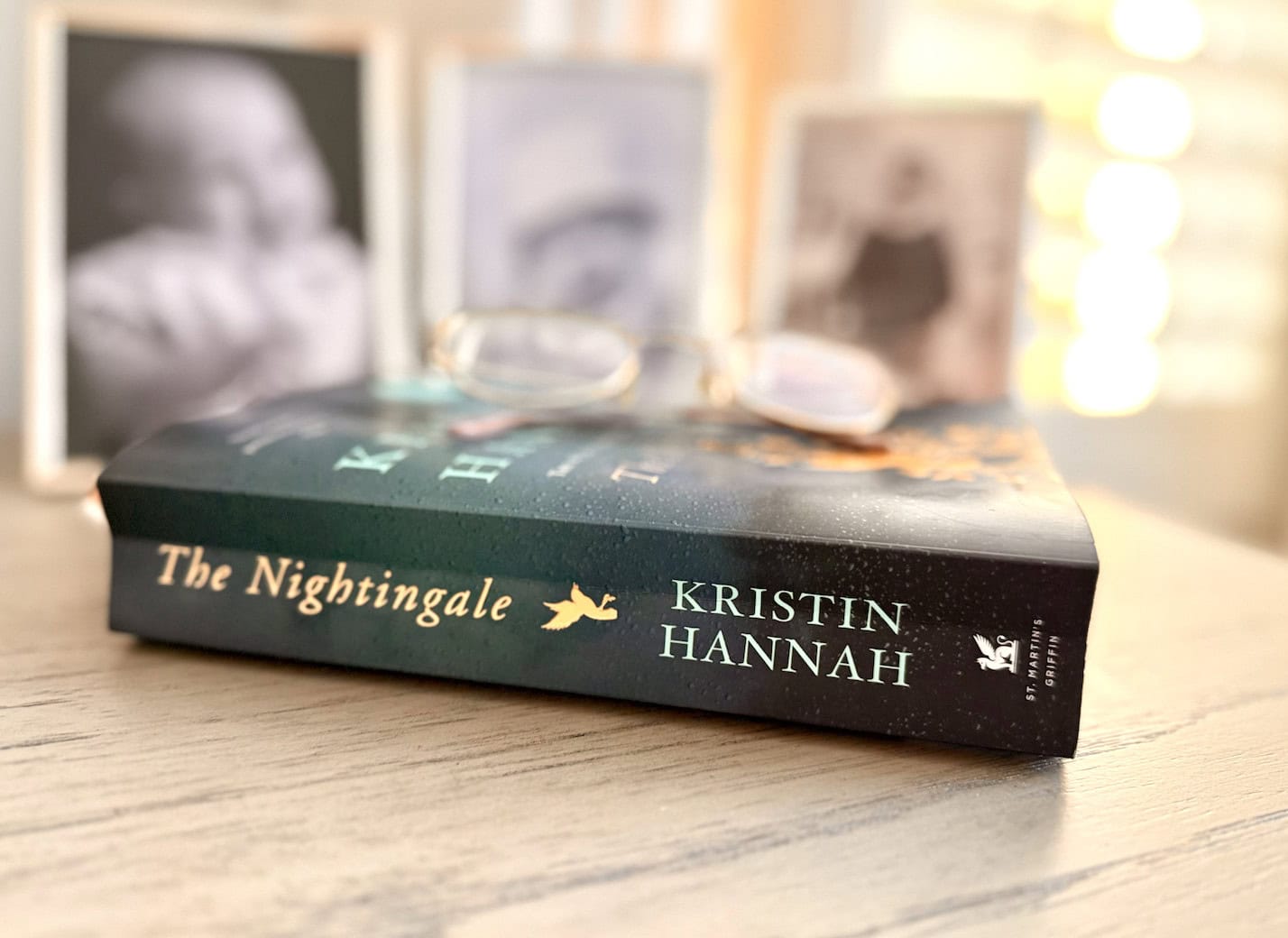
I. AM. LOVING. THIS. It’s so much better than my phone. PROMISE. I’m reading this book and highly recommend so far – I’ll let you know what I read next if you’d like to join me! This is the first physical book I’ve read in years that wasn’t business related and I’m loving it. I typically only read on Audible, so having the paper copy has been nice too!
9:15PM – 9:30PM: Head to sleep. 🙂 The nice part is I’ve finally slept mostly through the night for the first time in years ~ and if I do wake up, I fall asleep pretty quickly instead of scrolling on my phone.
4:24AM: wake up (you read that right – I head to the gym early at least 4 weekday mornings each week and have to be up that early to make it in!)
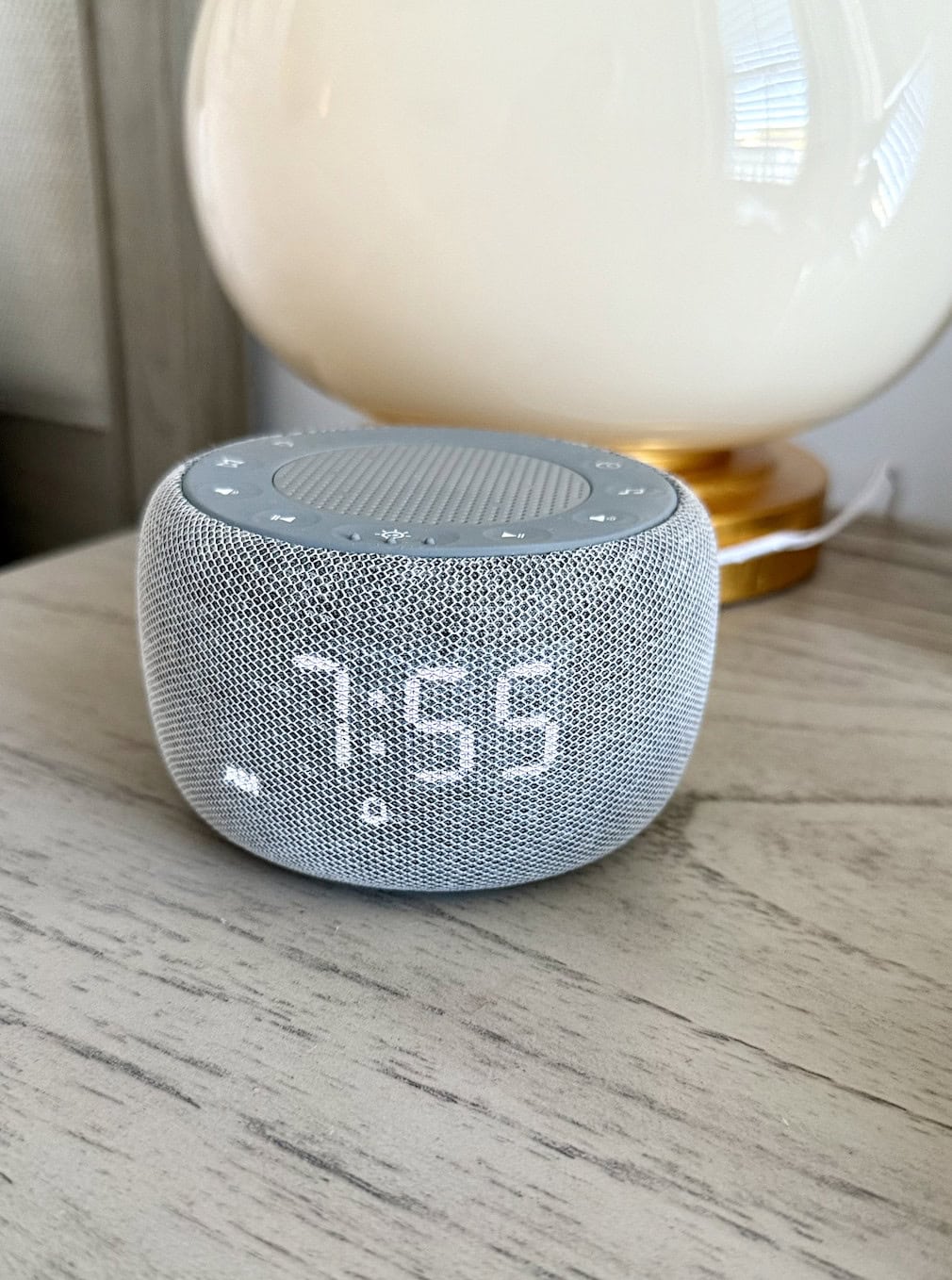
This is the alarm I use and love instead of letting my phone wake me up.
****I know for many of you this schedule won’t work – until our youngest Reagan went to college, I was usually up chit chatting with her and somewhat awake usually until 10 or 10:30 ~ if you’re typically up later, adjust the hours to hours that work for you.
I have a feeling that maybe you’re like me and here that sleep is valuable and that screens aren’t good for us late at night (not to mention phones near our beds), and I’m just here to let you know how much happier I am after putting my phone down for just a few days.
My entire business honestly here…. is based on you scrolling (if nobody scrolls, no one’s reading this post!) 🙂 But I want you to have rest. I knew I needed rest. And I’m hoping this might just encourage you too.
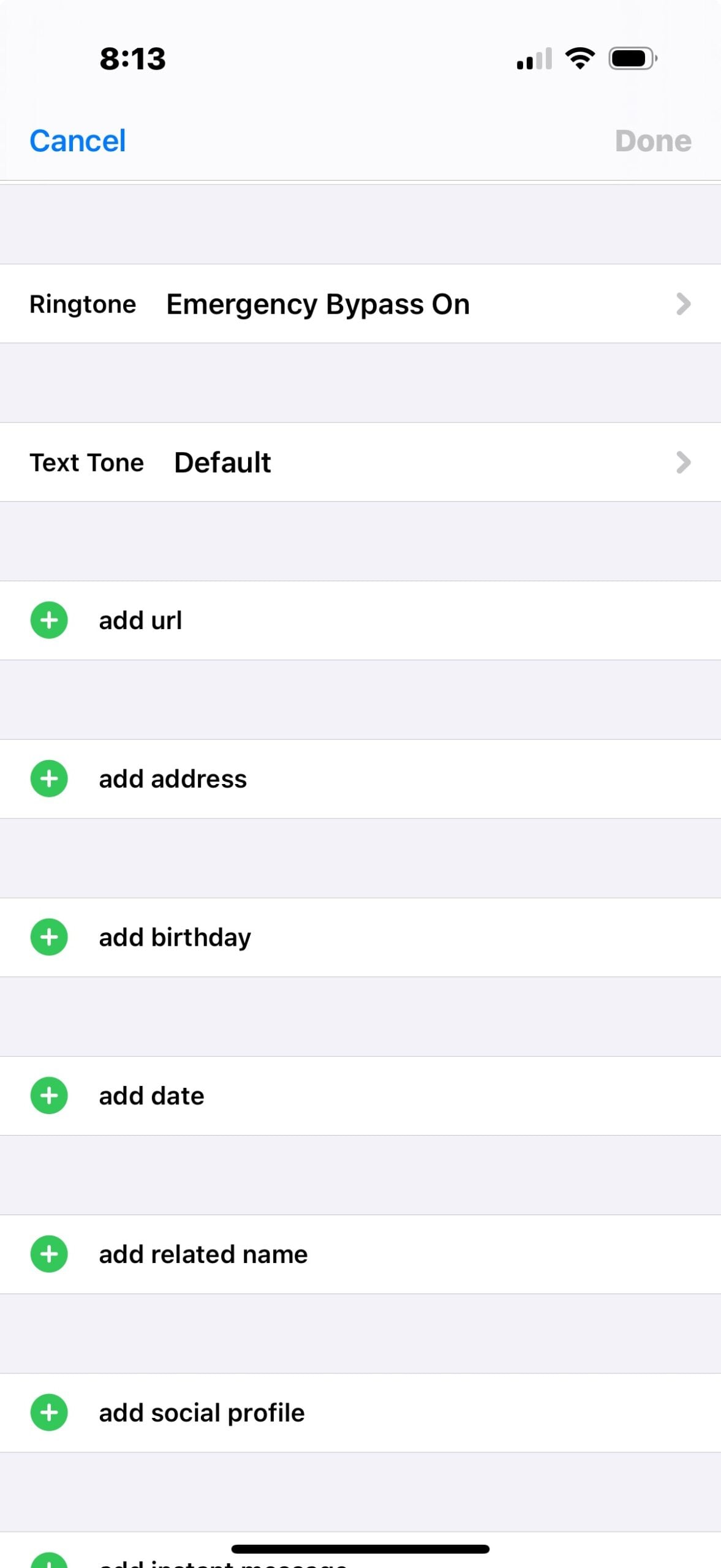
NOTE: this magic trick will help you hear the phone if you need to at night (I keep my phone on the other side of our bedroom now so I can still hear it if one of my kids call).
- On an iPhone, go to contacts
- Find the contact you want to always hear from (for me it’s my kids and James)
- Click “edit”
- Click “ringtone”
- Click “emergency bypass on”
You can also click “text tone” if you’d like to hear their text messages all the time too, even when phone is silenced).
So there you have it ~ just my thoughts after trying it out for a week (so far I am LOVING it and now just can’t wait to climb in and read instead of mindlessly scrolling. If you need more sleep, maybe this will encourage you too!)
Do you sleep with your phone nearby at night? Do you feel like it impacts your sleep? If you can give it up just a little it might be worth trying ~ I’d love to hear your thoughts and how it’s impacted you either way!



Same..I try and be asleep by 9 up at 4:30. I have an empty nest and it makes it easier to accomplish. However I do adjust an hour or two on the weekends
Jennie, thank you for letting us know your nightly routine too. 🙂
This prompted me to figure out the Do Not Disturb on my phone and set it as a scheduled time. Thanks for the nudge!
You are so welcome! 🙂
Thank you for sharing this. It has given me the nudge I needed to try it. Ordered the alarm clock and it will be here tomorrow but I’m starting tonight!
You’re so welcome! 🙂
Adding to my last comment. I can not believe you get up at 4:24AM for the gym! I’m trying to get up at 5AM and I’m struggling. I’m supposed to get up for 4AM for an upcoming day of work and I’ve been trying to work my way to that. I’ve been trying to get to bed before 9:30PM and I’m still failing. Any tips? Maybe it’s because I’m not actually getting out of my bed?
Laurie!!! I love this! I keep my electronics outside of my room when I sleep, but I’ve been trying to turn off my phone and laptop by a certain time too recently! I’ve been trying to shut my devices off at 7PM. I haven’t been doing well with the TV(I tend to eat around 7:30pm and I watch tv while I eat). I use my watch as my alarm (I have a Freestyle Shark Leash watch). I have been wanting to get a sunrise(?) alarm for a while(especially for winter).
Can you explain how the Emergency Bypass works. Do you actually turn your phone off or just put it on silent?
Debbie, to set up emergency bypass on an iPhone, you can open the Contacts app, select a contact, tap “Edit,” and then toggle on “Emergency Bypass” under the Ringtone or Text Tone options. That will make sure your phone always rings for that contact whether your phone is on silent or not. I hope that helps!
I really struggle with scrolling on my phone at night. I have insomnia. When I can’t sleep, I will scroll on my phone. I know that’s not healthy, but it’s so hard to stop. I want to read at night before bed. I think I will buy the alarm clock you mentioned. Thankfully, I am not working, so I can get up when I want to. I also need to get back to the gym in the morning. I think that will help my insomnia as well.
That sounds so tough, Debbie. I hope a few of those ideas help!
I have used the “do not disturb” for several years. Being able to allow certain text or calls give me peace of mind. The other important part is Don’t check the time if you get up for a bathroom visit. These do help keep your brain in a sleep mode.
Those are such good tips, thanks for sharing Marsha!
Laurie, I love your new routine! Good sleep is important. Congratulations on putting YOU first! I put my phone on Airplane mode. If my son is away from home then I use Do Not Disturb and turn off WiFi and Bluetooth. The WiFi pinging your phone all night is not good for your health.
I have had my phone with me for the last many weeks that I’ve been recovering from an injury. I can tell the phone is messing with my sleep. I need a nighttime routine and wished I had an example of one – thank you, Laurie, for spelling out yours so clearly here!
Hugs Kirsten! Praying quick healing for you and that this helps you as much as it has me!
This is something I definitely need to do too. I have been trying to make myself an evening routine but have not been sticking to it at all.
Also The Nightingale immediately caught my eye- its been on my to-be-read pile for quite awhile. I’d love to hear if you like it and what you pick up next. I always read before bed/sleep.
PS my new planner came yesterday and I am so excited for it 😀 (navy plus faith sticker pack)
So far I’ve loved it (although I know it’s going to be sad…. ugh!) I’ll keep updating on what I’m reading as I go – it’s so worth having a solid sleep routine (you are so worth it!) Hugs!
Thanks for this! I needed the encouragement to put down my phone at the end of the day. I tell myself it’s my “relaxing time” when I’m scrolling, but I have noticed my sleep isn’t quality rest, too! Committing to trying this tonight!
I keep my phone nearby during the night also. Morning texts interfere with my sleep. I also use my tablet before bedtime. Sounds like I need to try a different routine also. Thanks so much for sharing.
Alma let me know how it goes for you! I truly do think it’s so worth it. We can do this!
I put my phone on dresser with it off and plugged in
I really need to do this and am committed to trying it! Thx so much for sharing!
Yay Tina!!! I hope it helps (I promise it’s so worth it!)
I’ve gotten back to crochet and loving it as opposed to doom scrolling on my phone in evenings! Great idea!!
Oh I love that Traci! So fun!! Thank you for sharing!
I have a very bad sleep habit. My phone and TV are the reason. I’m gonna join you in shutting my phone off and reading before bed. I get up at 3 am, so I should be in bed by 8.
Yay Yvonne! I hope it helps because 3 is EARLY – best of luck as you get started!