

Looking to get a Label Maker? These gadgets are easy to use and get great reviews ~ love the fun options too!
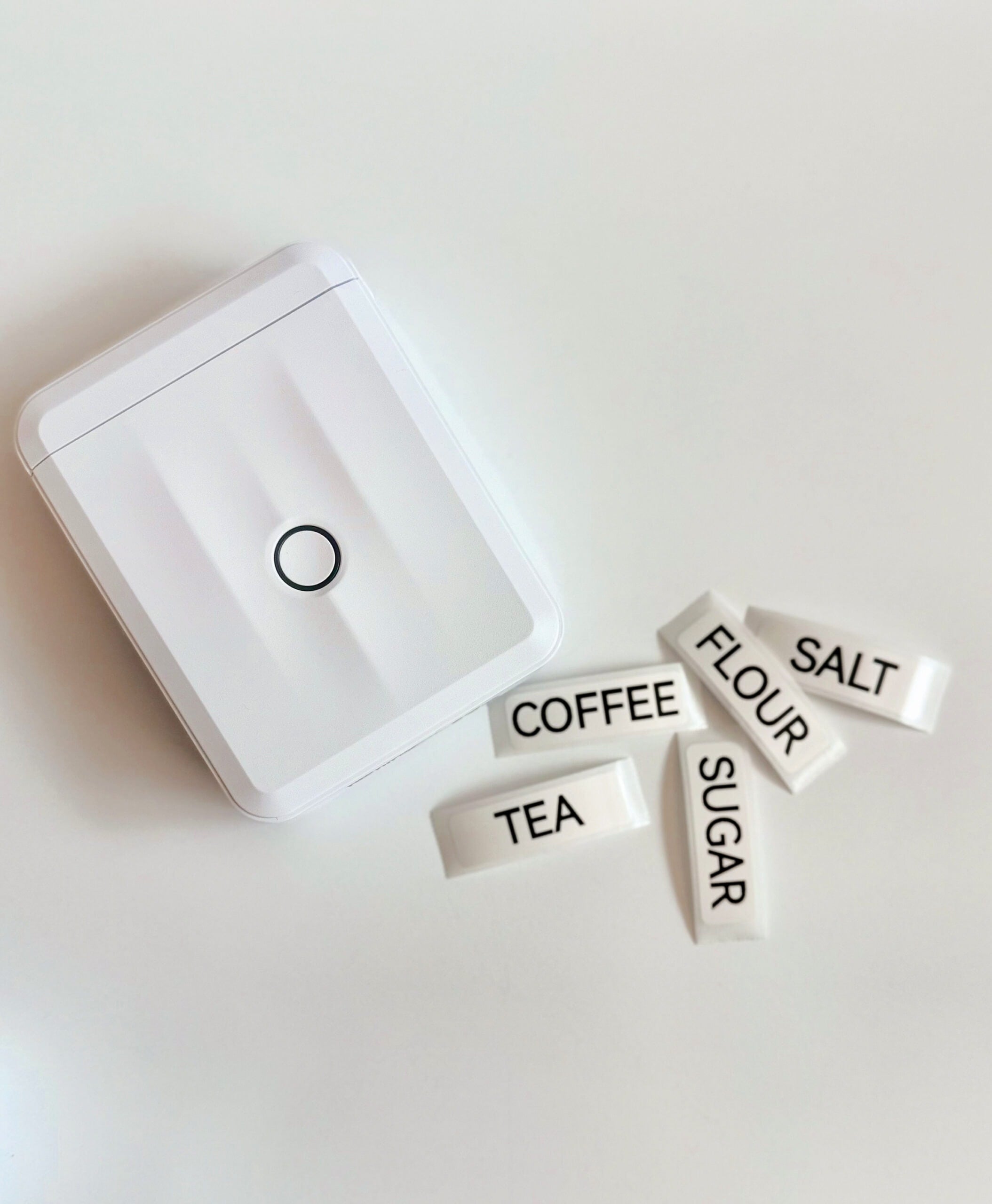
Mini Niimbot Labelmaker Under $10!
You can also snag this smaller but highly rated Niimbot Mini Label Maker Machine ~ grab it for under $10 shipped with the code AJU2SEOI at checkout!
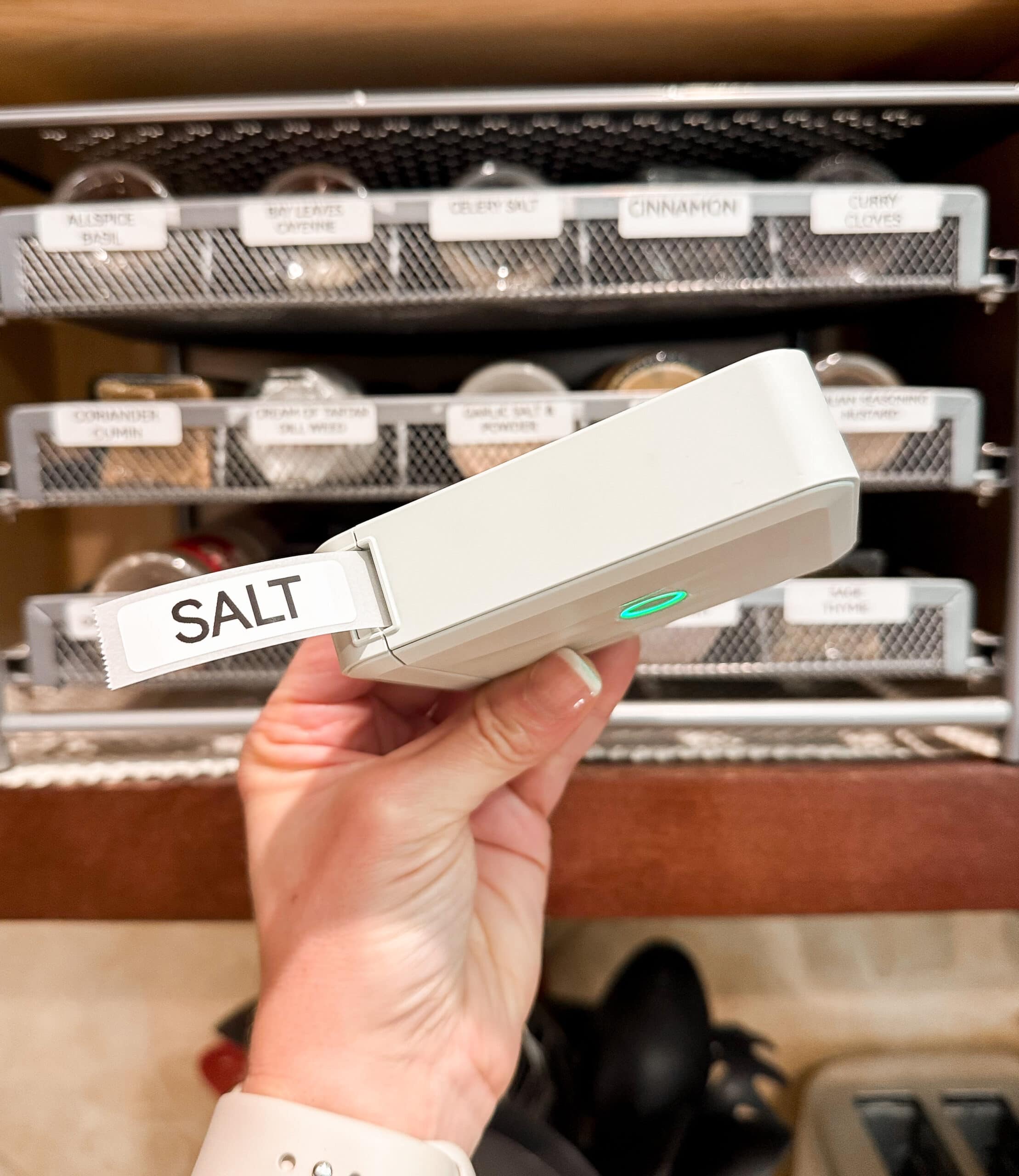
This thermal label maker machine prints super fast and doesn’t smudge (no ink or toner needed!). Plus, there are a ton of customization options in the FREE Niimbot app – it’s super easy to use, too!

You can design your own labels for just about anything and everything in the Niimbot app! The powerful app supports 1000+ symbols, 60+ frames and a variety of fonts – including icons, text, tables, symbols, logos, barcodes, QR codes, timestamps, Excel imports, and scanning. You can even print out your own images on your phone! 😀
Here’s how to get the best price –
Add Niimbot Label Maker with 1 Roll, White – $17.99 (Reg. $29.99)
- Use the code AJU2SEOI at checkout (exp. 7/31)
- Shipping is free with Amazon Prime
- Makes it just $9.99 shipped!
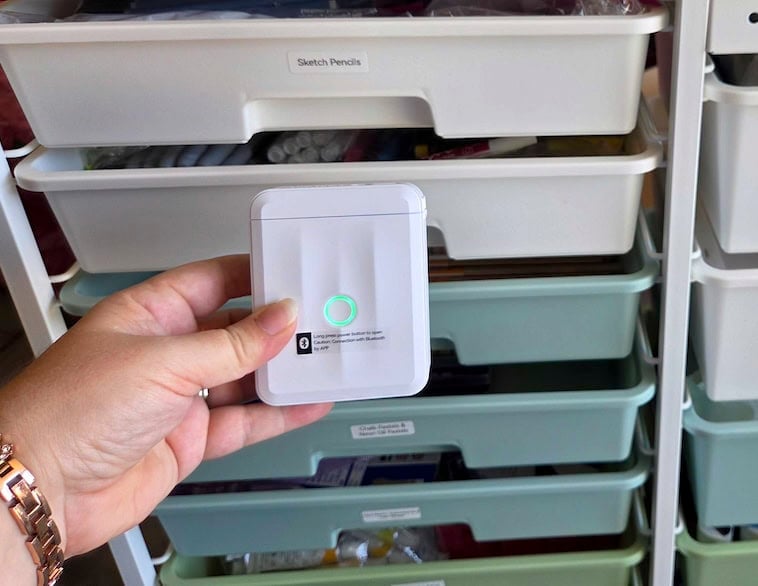
A mini label maker is perfect for organizing cables, chargers, daily vitamins, spices, clothing, toiletries, and more! (Some folks use them to label their breaker box – so smart!)
Lindsay said she just got the mini label maker and labeled her art cart for co-op! She said, “This thing works so easily!” (Here’s a link to her cute cart too).
Go HERE to check it out!
Amazon Prime members get FREE shipping with no minimum purchase. Not a member yet? Try Amazon Prime for fast, free shipping and other perks. Otherwise, shipping is FREE on orders of $35 or more. Browse the latest Amazon deals, and check out our favorite Amazon finds under $5!


The code doesn’t work.
I’m so sorry to hear this. The code is still working for us. If you are still interested, try these steps:
Go HERE and add the WHITE label maker to your cart.
1. Look for the “Gift Card/Promo Code/Voucher” option at checkout
2. Enter the code AJU2SEOI making sure there are NO spaces on either side and no punctuation
3. Click the ARROW or APPLY button (not continue!)
4. If you get a red error message, move on to the next step anyway to see if the discount appears in your total.
Weird Tip: Leave checkout and go back in again – lots of folks are saying this makes the code work, so odd!
Let us know if this helps! 🙂